
Before someone visits your website, calls your business, or drives to your door, there is a very good chance they will meet you first on Google - through your Google Business Profile. For local businesses across Melbourne and the South East suburbs, this free listing is often the single most important piece of online real estate you own.
What is a Google Business Profile?
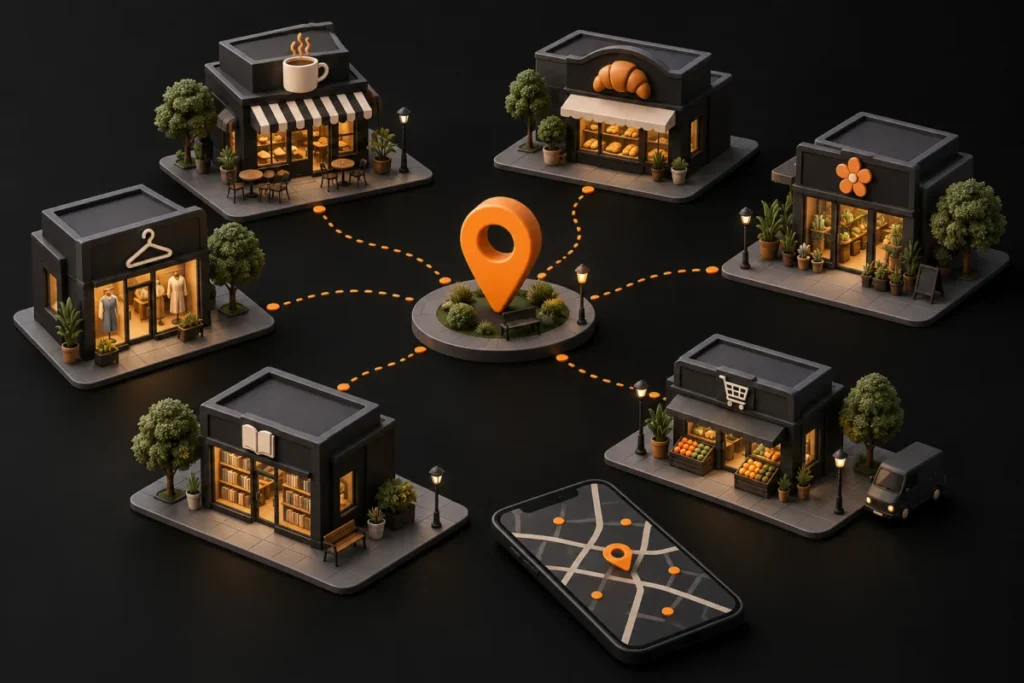
A Google Business Profile (formerly Google My Business) is the free listing that appears in Google Search and Google Maps when someone looks for your business by name, or for the type of product or service you offer nearby. It shows your hours, address, phone number, photos, reviews, posts and more - often before a searcher ever clicks through to your website.
Step 1: Claim and verify your listing
If you have not already claimed your profile, search for your business name on Google and follow the prompt to manage it, or start directly at Google Business Profile Manager. Verification is usually done by postcard, phone or email, and it confirms to Google that you are the legitimate owner of the business.
Step 2: Get your basics exactly right
Your business name should match your real-world signage and branding - avoid stuffing keywords into the name field, as this breaches Google’s guidelines and can get a listing suspended. Choose the most accurate primary category available, add relevant secondary categories, and make sure your address, phone number and website all match what appears elsewhere online.
Step 3: Set your service area and hours accurately
If you serve customers across the South East - Pakenham, Berwick, Cranbourne, Officer and beyond - make sure your service area reflects that, and keep your opening hours current, including public holidays. Nothing frustrates a potential customer more than turning up to a business that is listed as open but is actually closed.
Step 4: Add photos that build trust
Profiles with a strong set of recent, genuine photos consistently get more clicks and calls than those with few or outdated images. Include your storefront or workspace, your team, your products or work in progress, and update these regularly rather than uploading once and forgetting about it.
Step 5: Build a steady flow of reviews
Reviews are one of the strongest trust signals for both customers and Google’s local algorithm. Ask satisfied customers directly, make it easy with a shareable link, and take the time to respond to every review - positive or negative - professionally and promptly.
If you serve customers in person, a tap point on the counter makes the ask easy: NFC review cards and stands from Madexify Tap open your Google review page with one tap or scan.
Step 6: Use posts and Q&A
Google Business Profile lets you publish short updates, offers and events directly to your listing, and answer questions from the public. Keeping this active signals to Google that your listing is well maintained, which can support your visibility over time.
Step 7: Keep monitoring and refining
Your Business Profile is not a set-and-forget asset. Check it monthly for new reviews, incorrect information suggested by other users, and performance insights so you understand how customers are actually finding and interacting with your listing.
At Madexify, we help small and medium businesses across Melbourne and the South East suburbs set up and optimise their Google Business Profile as part of a broader local SEO strategy. If your listing needs a proper once-over, we are happy to take a look. See our web design and development services, or contact us.
This article is part of our Local SEO and Google Guide. Browse all our guides on the guides page.